It is easy to set a default value on Odoo and will reduce some of your working efforts as well by setting up default value you will not need to enter the same value in a field again and again for different records.
The steps are the following:
Step 1: Enable the developer mode.
Step 2: Open the form you want to set a default value to in Edit Mode.
For example, medicine here I am going to set defaults on customer form.
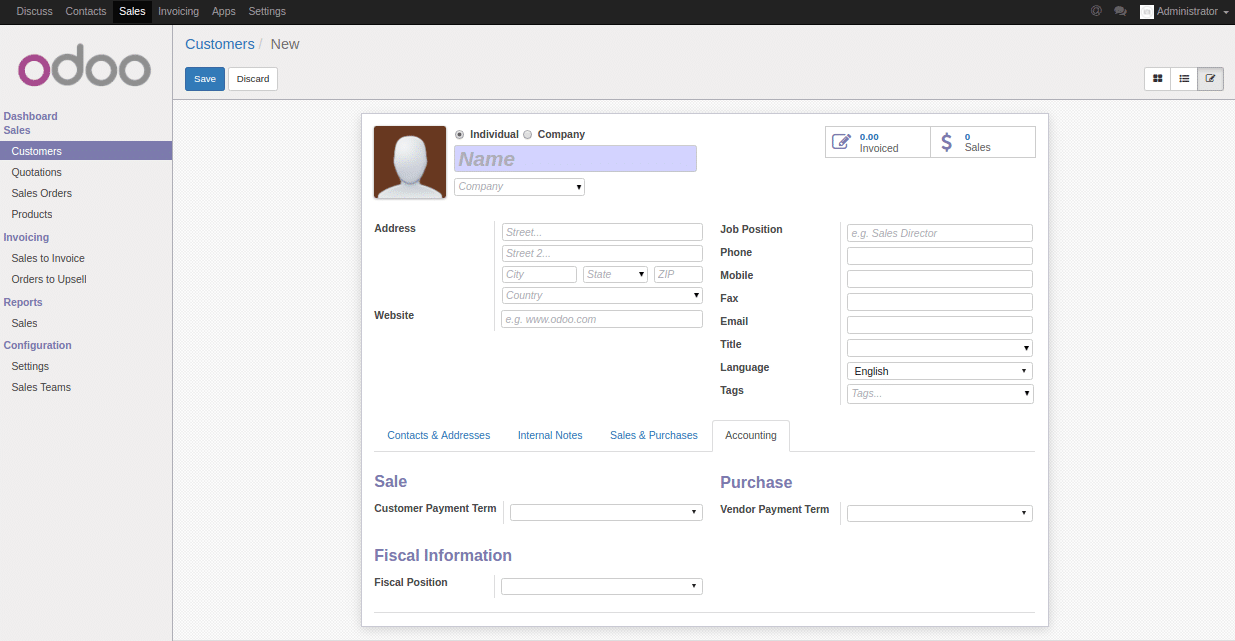
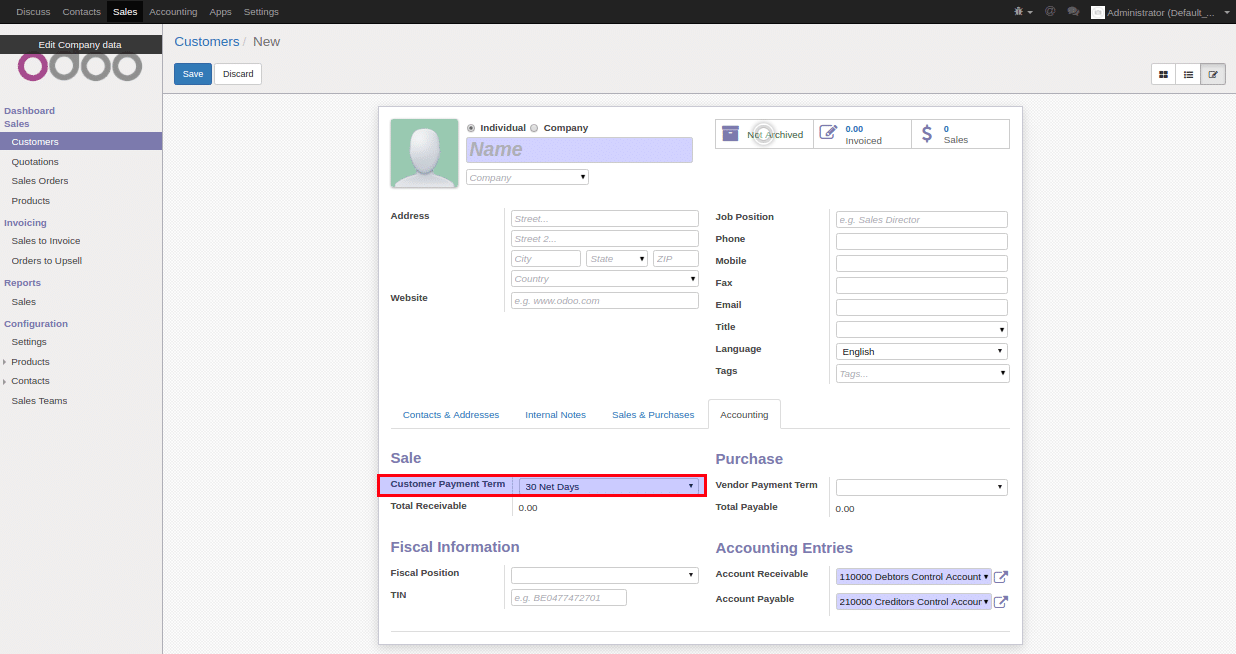
Step 3: Suppose you want to set the Customer Payment Term to “30 Net Days”, then go to accounting tab and select it from the drop-down list.
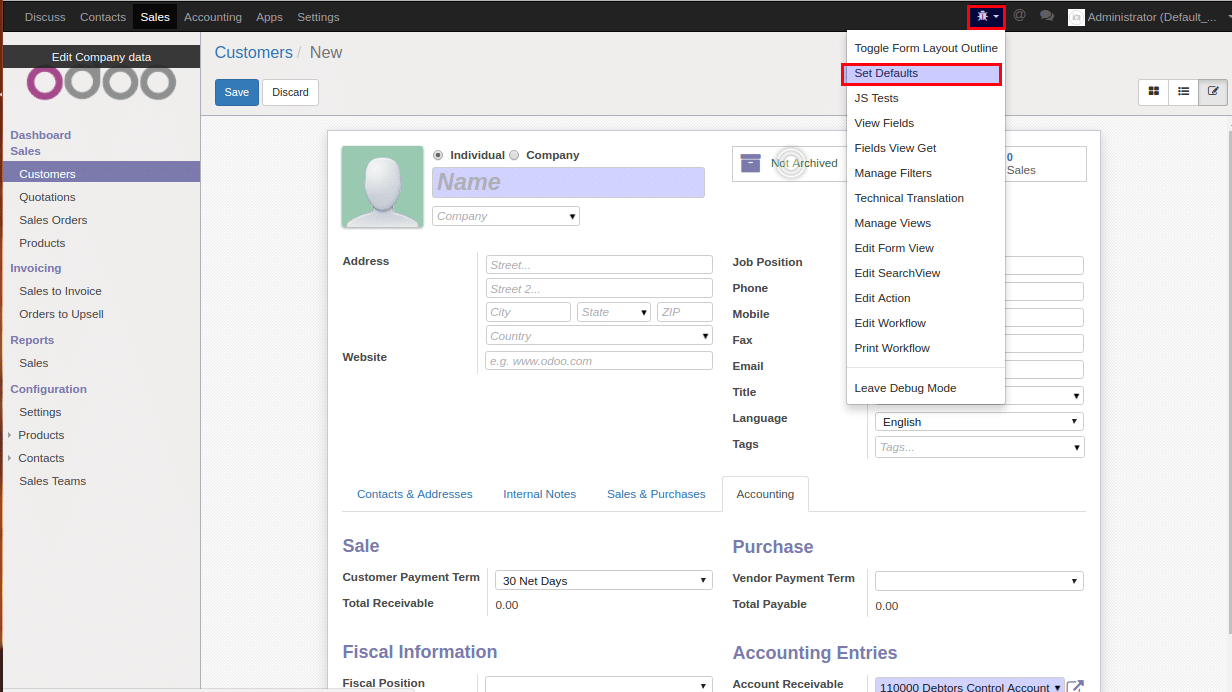
Step 4: Now click on debug menu and select Set Defaults from the drop-down list.
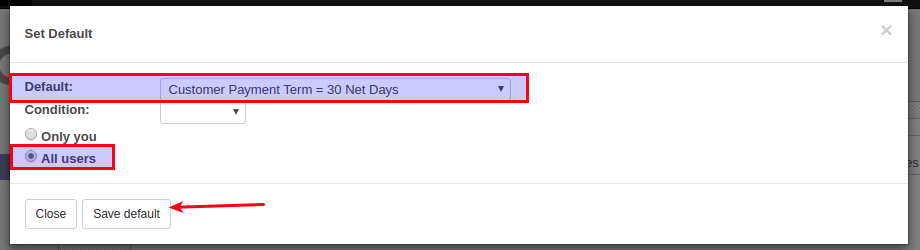
Step 5: A popup comes up and on the Default field you will have the option you have just entered as an option to be set as default select it from the drop-down list.
You also need to specify if this is for only your user or all users and then you set it as default.
Now save the defaults by clicking on the Save Default button.
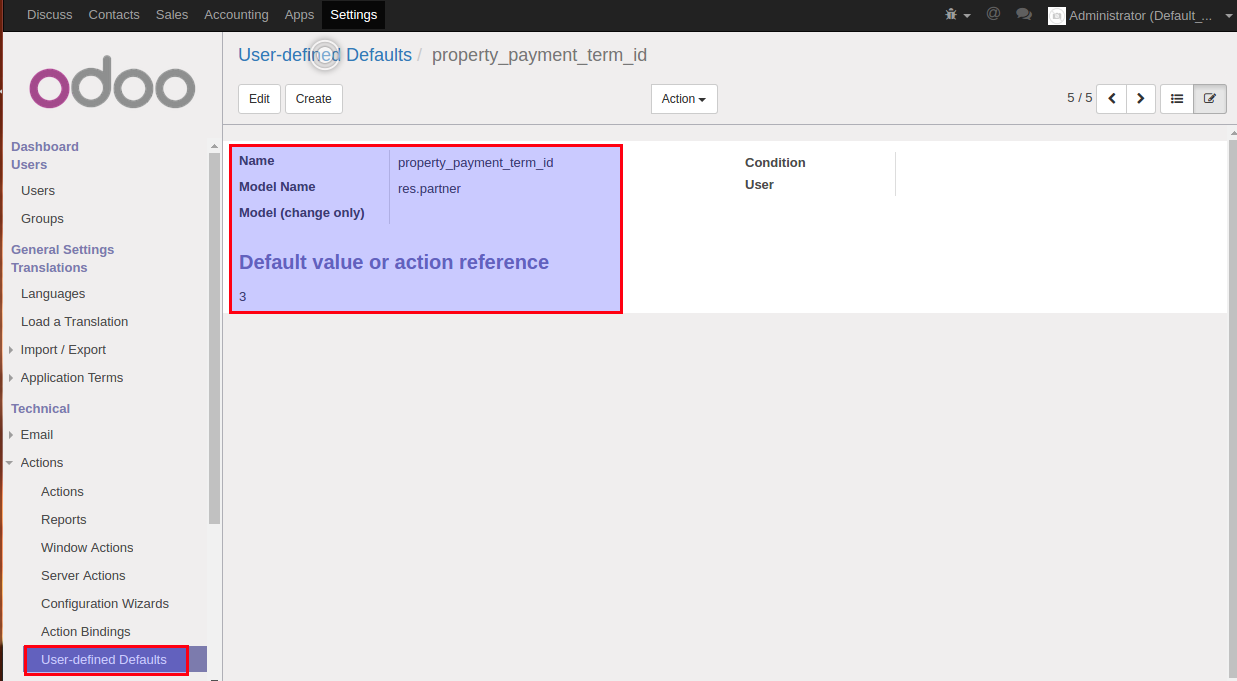
Step 6: If you go to the Setting -> Technical -> Action -> User-defined Defaults you will see the default value you have just set (which also means you can set it from there). But you should have to know the model, the field and also the value you have to set.