
Creation of General ledger in SAP Business ByDesign is a piece of cake. But the system will not allow you to delete a ledger if there’s any ledger balance.
Listen to a demo of ByDesign by Target Integrations’ SAP Consultant, simply showing you how to create and delete Ledger.
To Create Chart of Accounts,
Go to General Ledger> chart of accounts > add new line.
From here you can create a new ledger with id code, description, and account type.
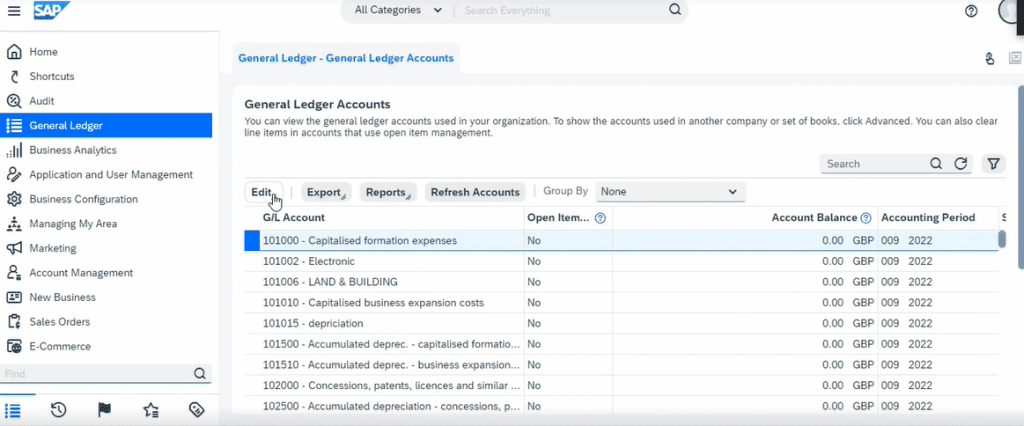
To delete account, first clear all ledger balances and delete the ledger and then save & refresh.
Target Integration has worked with various industries in the SMB sector. We have expertise in Supply chain and manufacturing business software implementation. We also provide support and training separately. Drop us a message or contact our experts to know further about SAP Business ByDesign.